Digital Minimalism for Solo Creators: 5 Rules That Actually Work
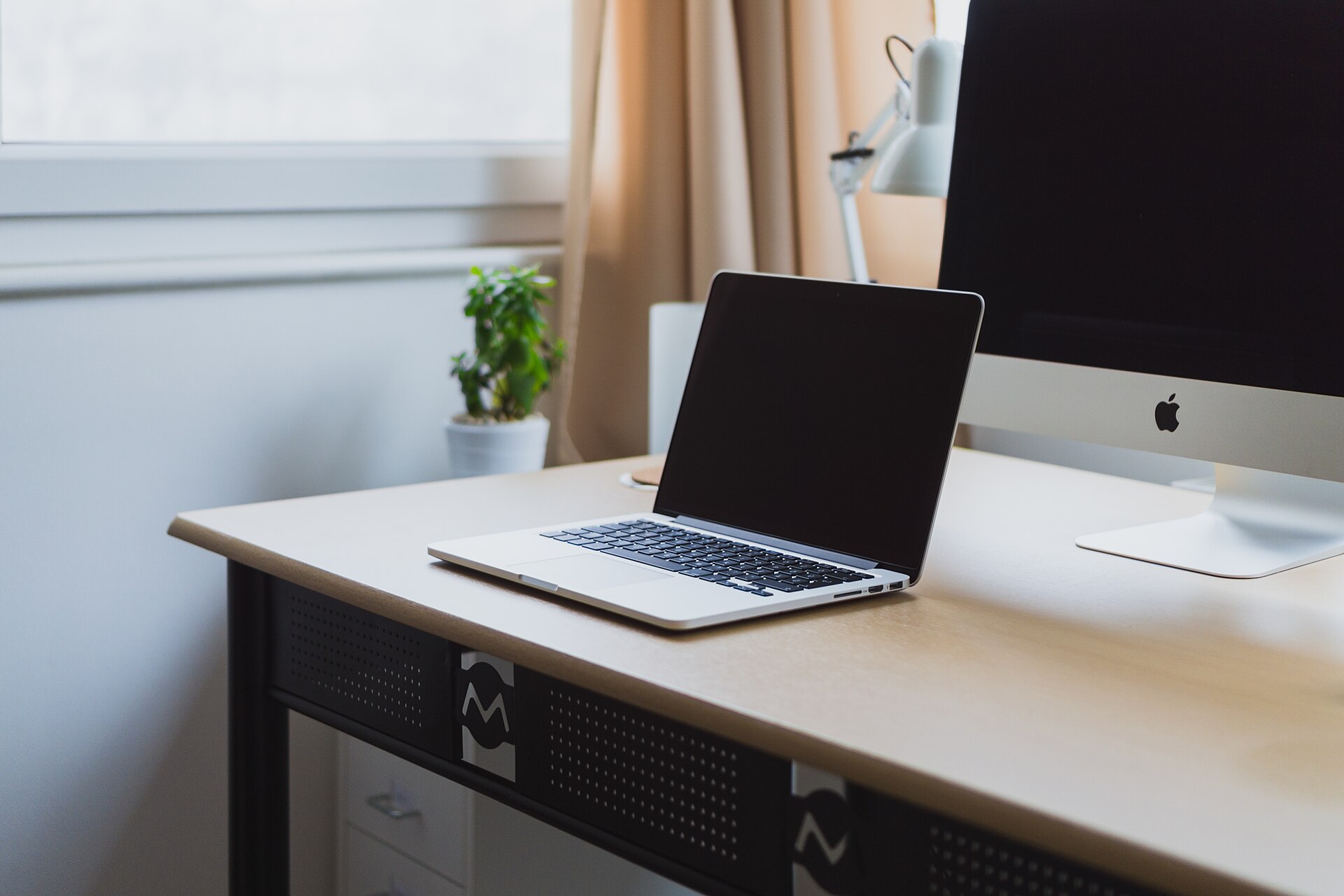
If you run a business alone, your attention is your raw material. You do not have a team to cover your mistakes or an assistant to filter your inbox. Every notification, every open tab, every “quick check” on your phone is not a break — it is a withdrawal from the only budget that matters: your focus.
Technology is not the enemy. Noise is. And noise is a design choice you can change today.
Why “willpower” is the wrong tool
Researchers at Dscout, a mobile data-collection startup, analyzed phone usage logs from thousands of users and found that the average person touches their phone 2,617 times a day — roughly once every 33 seconds while awake. That is not a habit problem. That is an environment problem. When your apps are engineered to interrupt you, asking yourself to “try harder” is like losing weight while living in a bakery.
The fix is not discipline. The fix is design. You do not need more willpower — you need fewer decisions competing for it.
The five rules that actually work
These are not productivity tricks. They are structural changes that reduce the number of times your brain has to say “no” every day.
-
Designate one checking window. Instead of opening social media ten times a day, open it twice: once after lunch, once before dinner. Same feed, half the exposure, all the benefits. What you lose is urgency — and urgency is exactly what these apps sell you.
-
Give your phone a home outside the bedroom. A four-month study tracking 75 people with a wearable ring found that smartphone use in bed significantly worsens sleep latency and increases time spent awake during the night. The authors also modelled the effect on sleep stages, where a 30-minute in-bed session works out to roughly an hour of sleep lost overall — but they explicitly report that particular estimate as non-significant, and present it as an illustrative example rather than a firm finding. Crucially, the same study found phone use outside bed did not reduce sleep quality. Charge your phone in the kitchen. Use a $10 alarm clock instead.
-
Batch your notifications into a single digest. Turn off every badge, buzz, and banner. Open your email, your messages, and your social apps only in your checking windows. You will not miss anything important — but you will regain the uninterrupted hours where good work actually happens.
-
Adopt the “one tab, one task” rule before deep work. Before you start anything that matters, close everything that does not. A desktop covered in open tabs is a mind spread across the room. One document, one tab, one task — and your brain stops silently reloading the other twenty.
-
Protect a daily block with a physical boundary. Put your phone in another room — not just face-down, but out of sight. The 2017 “Brain Drain” study in the Journal of the Association for Consumer Research found that the mere presence of your own smartphone reduces available working memory and fluid intelligence — even when you are not using it and not thinking about it. Out of sight is not just a metaphor; it is a measurable performance gain.
The quiet return on investment
None of these rules require a new app, a subscription, or a “premium plan.” They require one thing you already have: a decision about where your attention goes.
Give it two weeks. Track nothing but the number of hours you protect — and notice whether you get more of them.
You do not need to go off-grid. You need to go on-purpose.
Five rules. Zero apps. Your attention back.
📖 Getting tangled up? Our earlier article, The Toggle Tax: Why App-Switching Is Silently Killing Your Productivity, explains how constant context-switching wastes up to 9% of your workweek — and the exact automation steps to reclaim it.
🎨 Need a real break from screens? Our “Cozy Spaces” adult coloring book gives your eyes and mind a screen-free reset you can hold in your hands.
Sources
- We Touch Our Phones 2,617 Times a Day, Says Study — Network World (reporting on Dscout’s phone-usage data)
- “Leave your smartphone out of bed”: quantitative analysis of smartphone use effect on sleep quality — ACM
- Brain Drain: The Mere Presence of One’s Own Smartphone Reduces Available Cognitive Capacity — Journal of the Association for Consumer Research